Online course for iPhone and Android

Learn to solve phone lockslike a repair pro.

Four step-by-step courses show you how to handle carrier locks, iCloud Activation Lock, IMEI blacklists, and Android FRP. Short lessons, practice tools, and quizzes you can follow on the phone in your hand.

  • $7.99/month, billed by YouTube
  • Cancel anytime
  • Technician-reviewed lessons
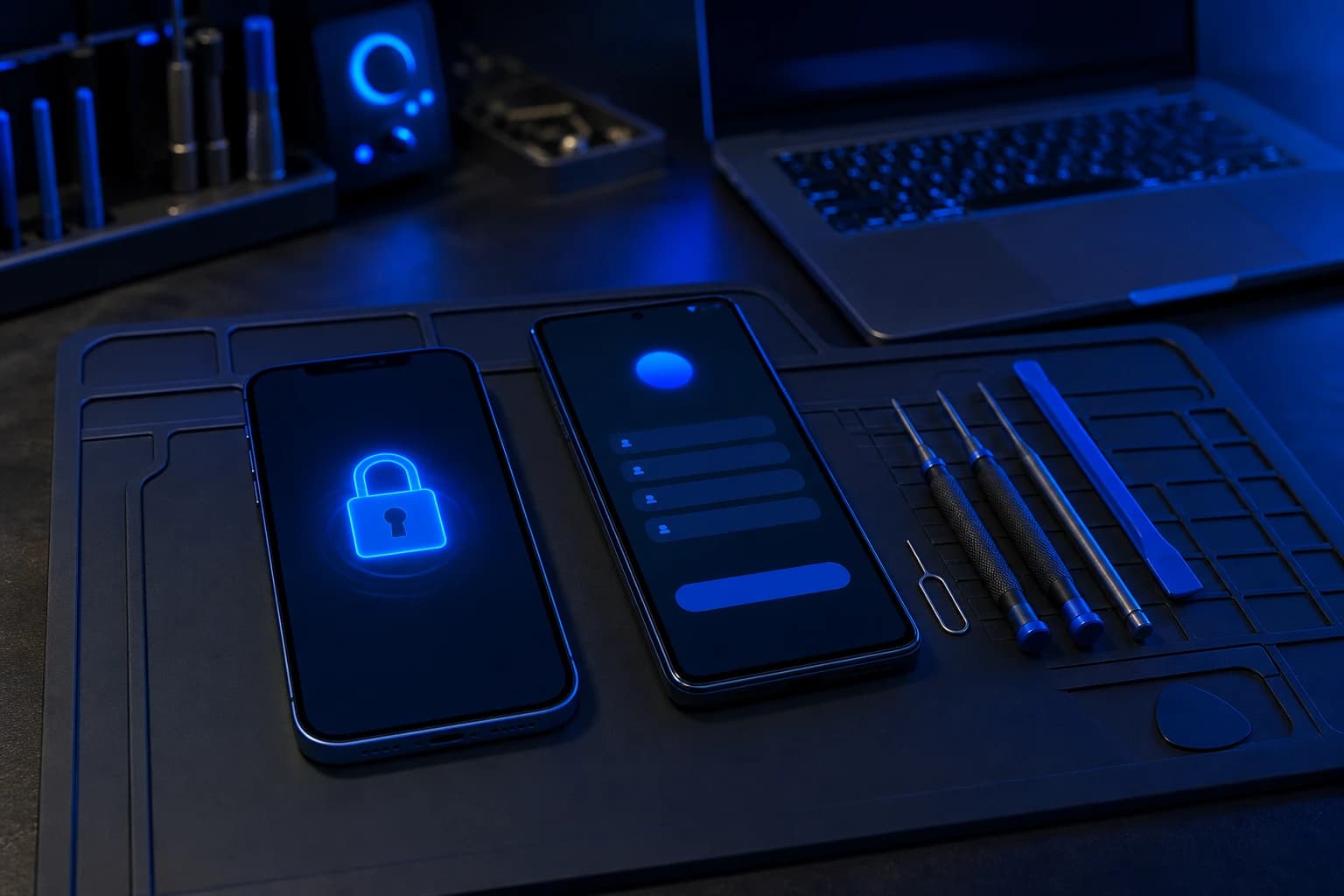
Phone repair workbench with an iPhone and an Android phone, one showing a lock screen

For repair shops

Built for repair shops that train their own technicians

Give new hires one place to learn carrier locks, Activation Lock, blacklists, and FRP. Quizzes show what stuck, and a certificate shows they finished.

  • Voltbench Repair Co.
  • Pinion & Pixel
  • Solderlane Mobile
  • Quillfix Phone Studio
  • Copperkite Repairs
  • Tidemark Cell Works
  • Brasslantern Mobile
  • Fernwire Device Clinic
  • Marrowgate Tech Bench
  • Otterline Phone Care
  • Lumenpike Mobile
  • Heronbrook Phone Works
  • Cobaltcove Mobile
  • Moonquay Mobile Lab
  • Starling & Screw

Example shop names shown for illustration.

  • 4lock-type courses
  • 64step-by-step lessons
  • 26practice tools
  • 4completion certificates

The courses

Learn the professional workflow for every lock

Each course walks through every legitimate path in order. Diagnose the lock, pick the route that fits, and follow the steps repair techs use with carriers, Apple, Google, and sellers.

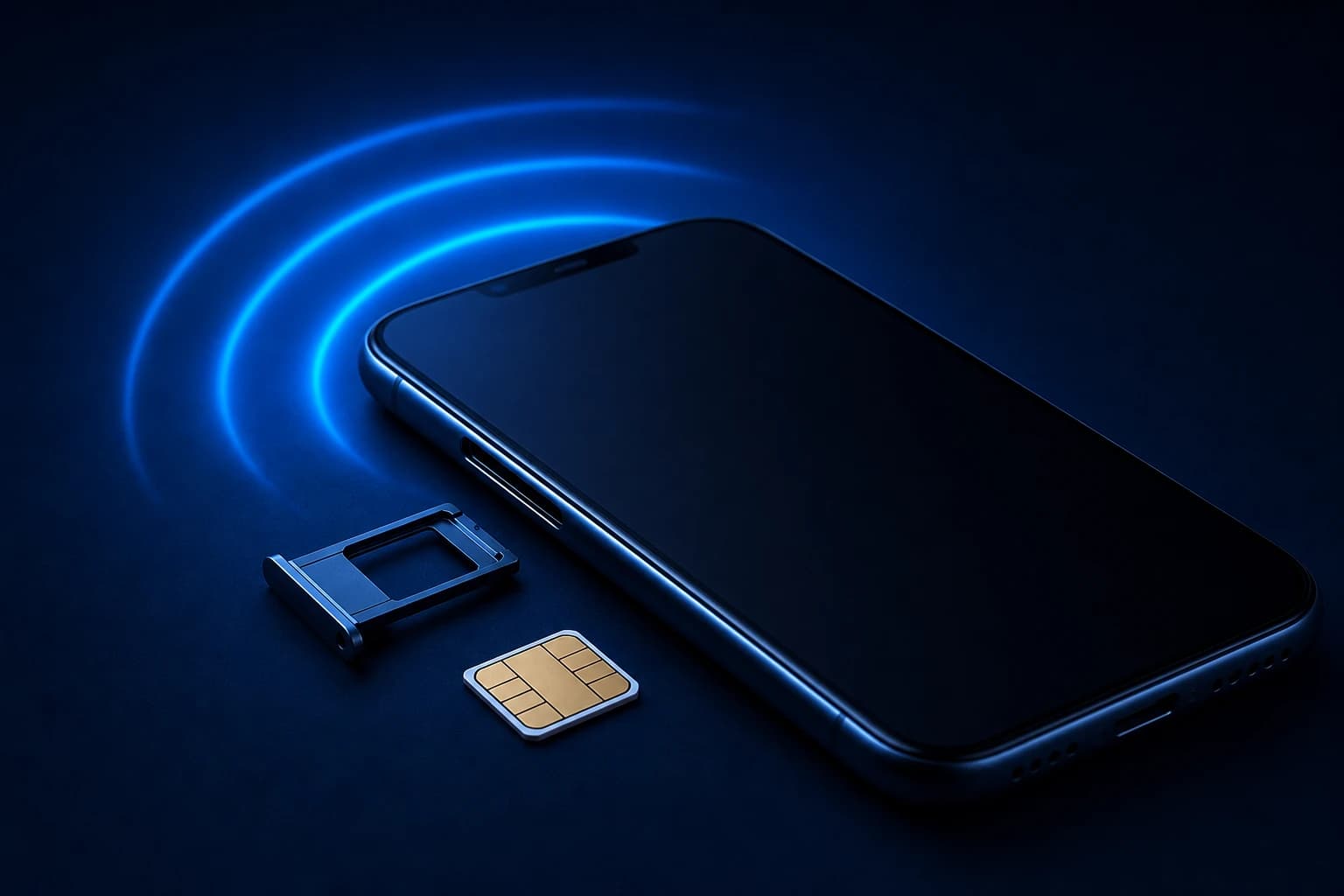
Smartphone with its SIM tray ejected and a SIM card beside it
  • 16 lessons
  • 7 tools
  • Certificate

Carrier unlocking

Carrier and network settings, step by step

Portals, apps, phone scripts, and store visits, pick the path that fits your situation.

Help with

  • SIM not supported
  • Emergency calls only
  • Network unlock PIN / unlock code
  • Invalid SIM / SIM rejected
  • Can't switch to another carrier
Cloud with a padlock above a phone, a tablet, and a smartwatch
  • 16 lessons
  • 6 tools
  • Certificate

Activation Lock

Apple ID and device setup, step by step

Owner sign-in, remote removal, Apple Account recovery, Support proof, and buyer remedies.

Help with

  • Locked to Owner
  • Activation Lock
  • iPhone, iPad, or Apple Watch
  • Activation Required screen
  • Find My / Apple Account lock
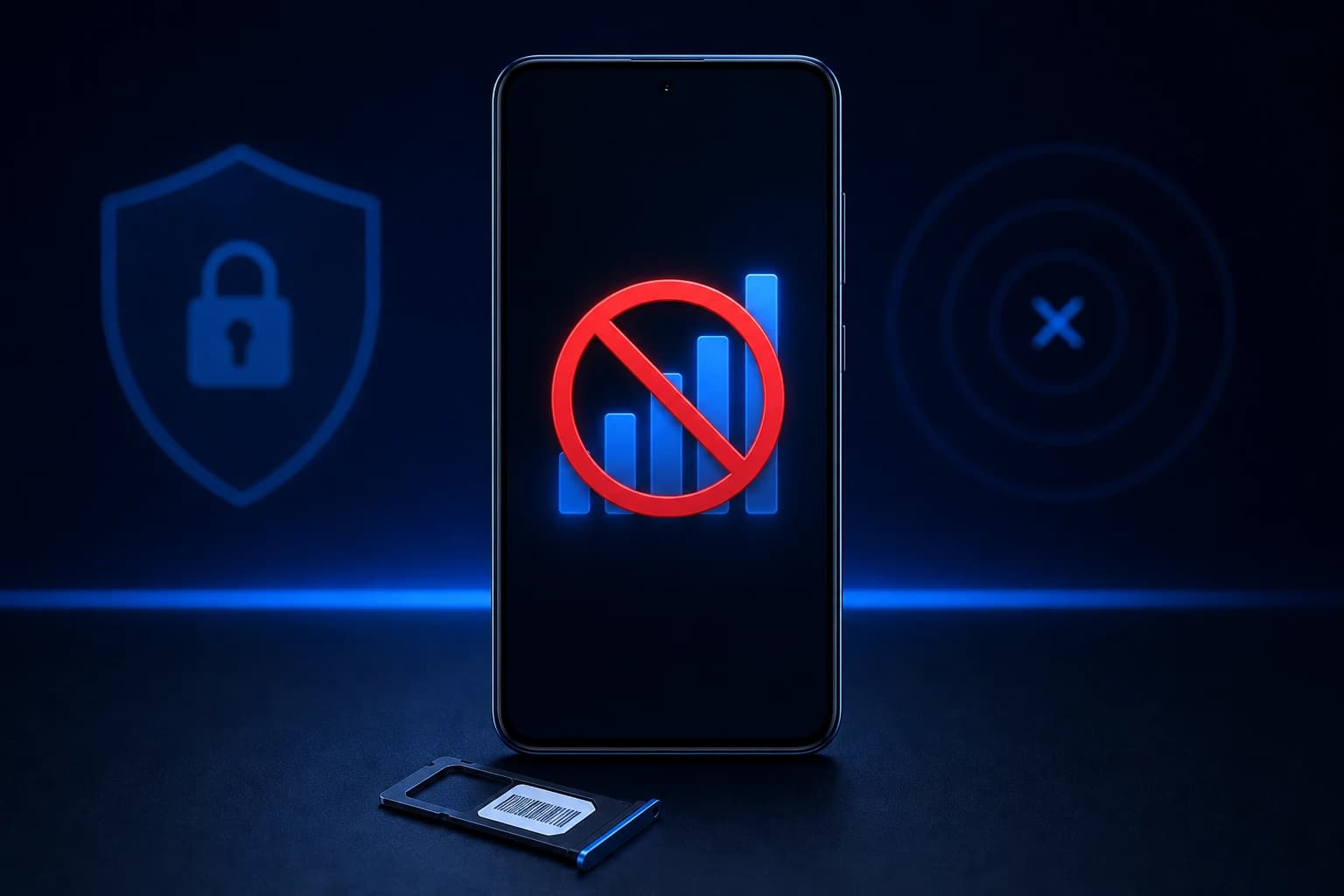
Smartphone showing crossed-out signal bars
  • 16 lessons
  • 7 tools
  • Certificate

IMEI blacklist

Service restriction records, step by step

Trace who flagged the IMEI, gather proof, and work through carrier or seller resolution.

Help with

  • No service on any network
  • IMEI blacklisted / blocked
  • Reported lost or stolen
  • Device not allowed by carrier
  • Signal bars but no calls or data
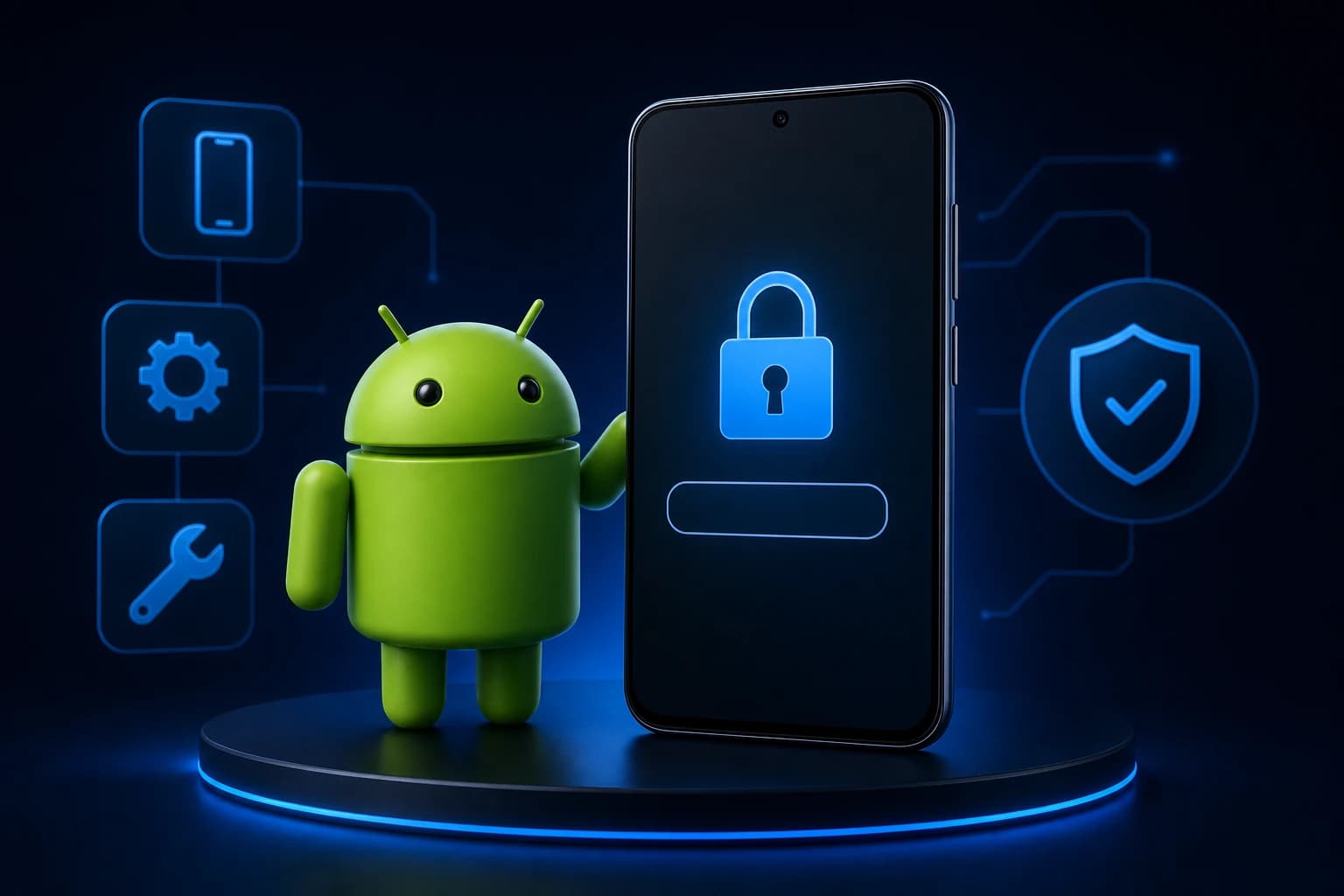
Green Android-style robot next to a phone showing a padlock
  • 16 lessons
  • 6 tools
  • Certificate

Android FRP

Android accounts after a reset, step by step

Synced account sign-in, recovery, Family Link, OEM support, and buyer remedies after a reset.

Help with

  • Verify your Google account
  • This device was reset
  • Can't skip Google sign-in
  • Factory reset protection (FRP)
  • Family Link / supervised device

What's inside

Everything you need to work through a lock

Lessons explain each path, tools help you act on it, and quizzes check it stuck. It all lives in one dashboard that works on any device.

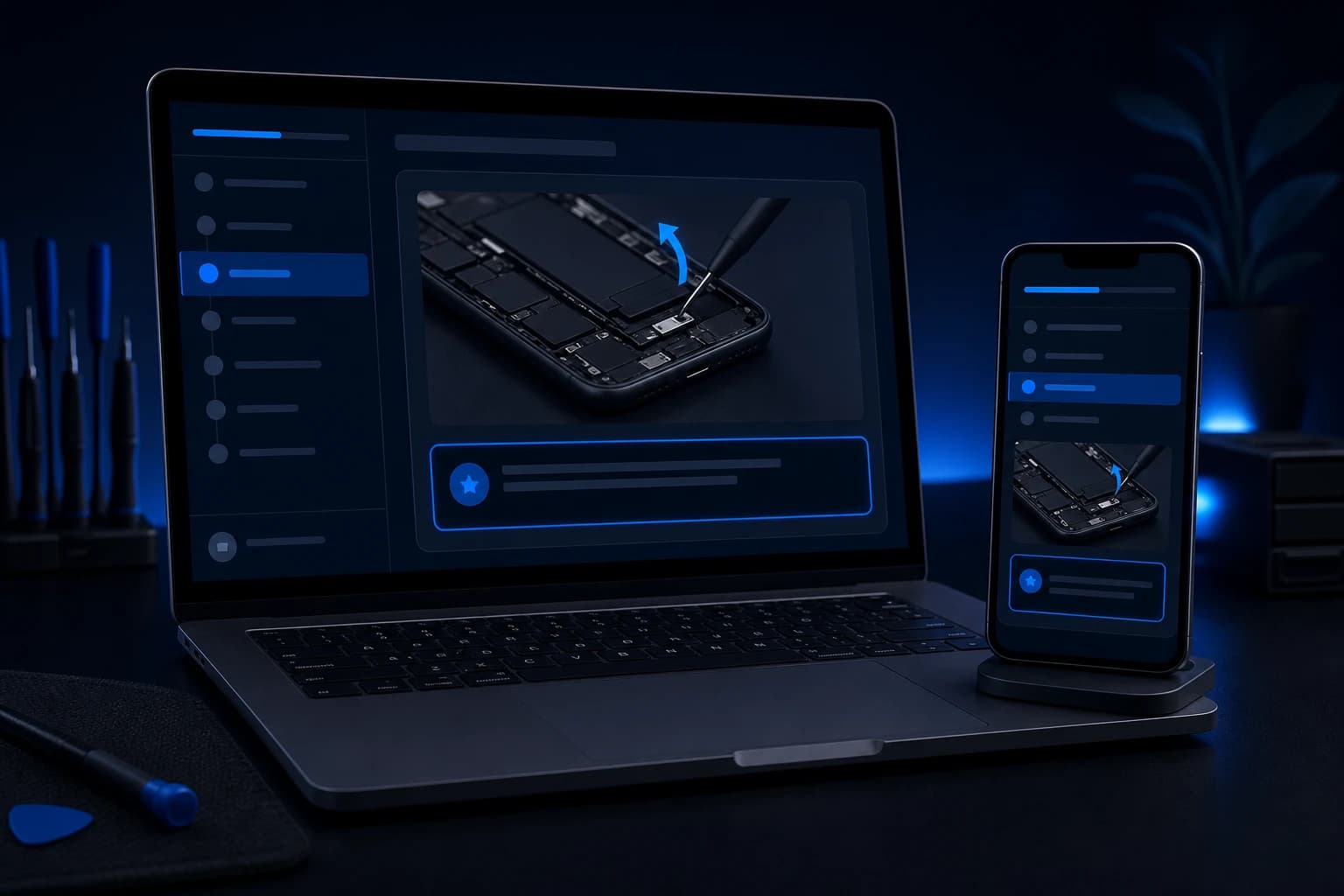
Course lesson open on a laptop and a phone, with a numbered lesson list and progress bar

16 lessons per course

Every path, in the order that works

Lessons start with the official routes, like carrier portals, account recovery, and support requests. Then they cover escalation and buyer remedies. Each one ends with a takeaway you can act on.

  • Numbered lessons with screenshots
  • Official paths first, escalation after
  • Written for iPhone and Android
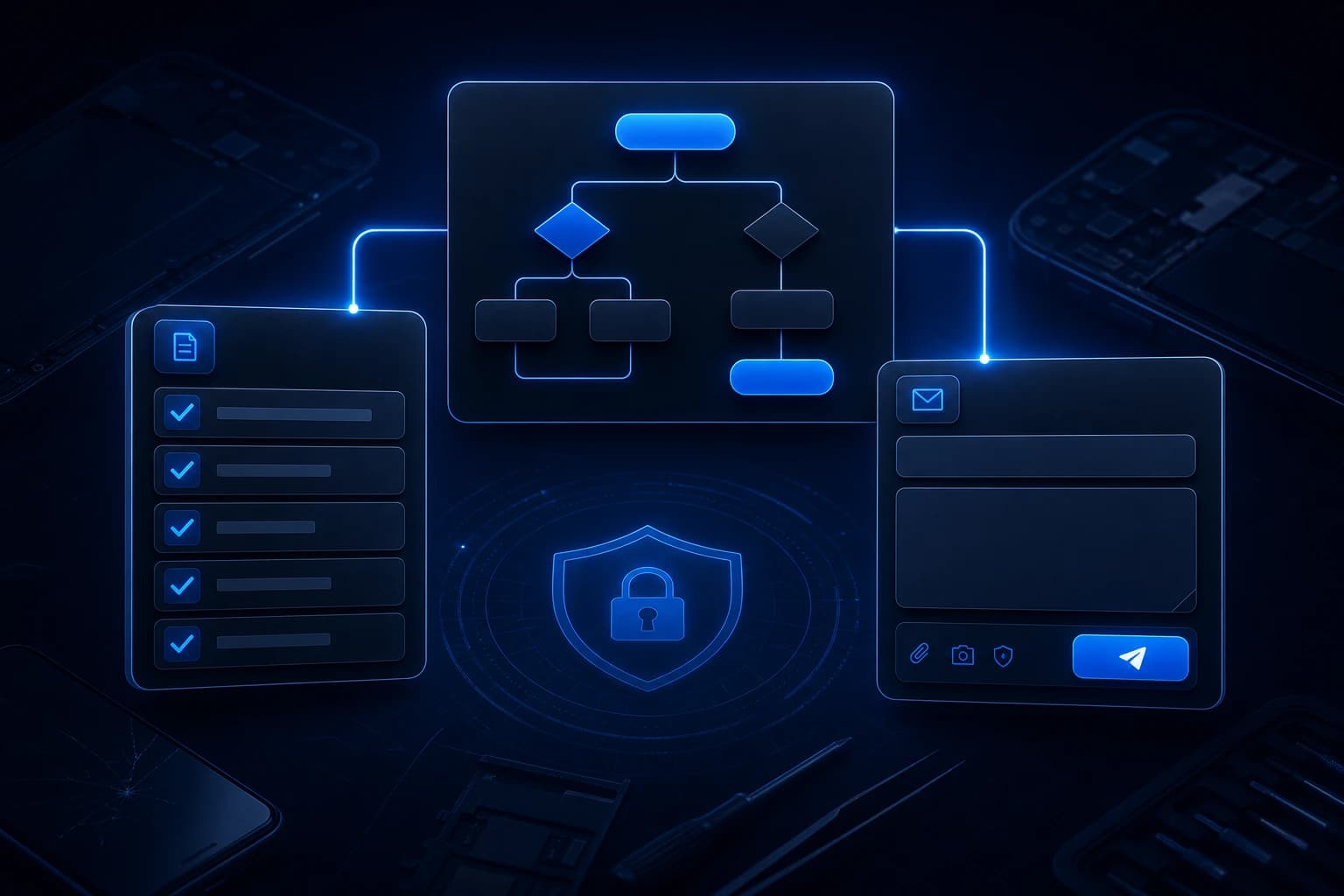
Practice tools: a decision tree, a document checklist, and a message draft

Practice tools

Tools that do the busywork

Decision trees point you to the right path. Checklists gather your documents before you call. Drafters and scripts give you the exact words for carriers, Apple, Google, and sellers.

  • Decision trees and evidence checklists
  • Email drafters, chat and call scripts
  • Carrier lookups and country guides
Course completion certificate beside a smartphone and a repair toolkit

Quizzes and certificates

Prove what you learned

A short quiz follows every lesson, so the steps stick before you move on. Finish a course and you get a certificate, which helps technicians show their training.

  • A quiz after every lesson
  • A certificate for each finished course
  • Lessons reviewed by unlock specialists
  • Unlock AI study assistant

    AI help walking you through each step for your device and lock type.

  • Guides library

    Extra articles for every lock type when you want more depth after a lesson.

  • Member support

    Open a support ticket from your dashboard if a step doesn't match your screen.

Member perk

An Unlockzy invite and a $20 voucher

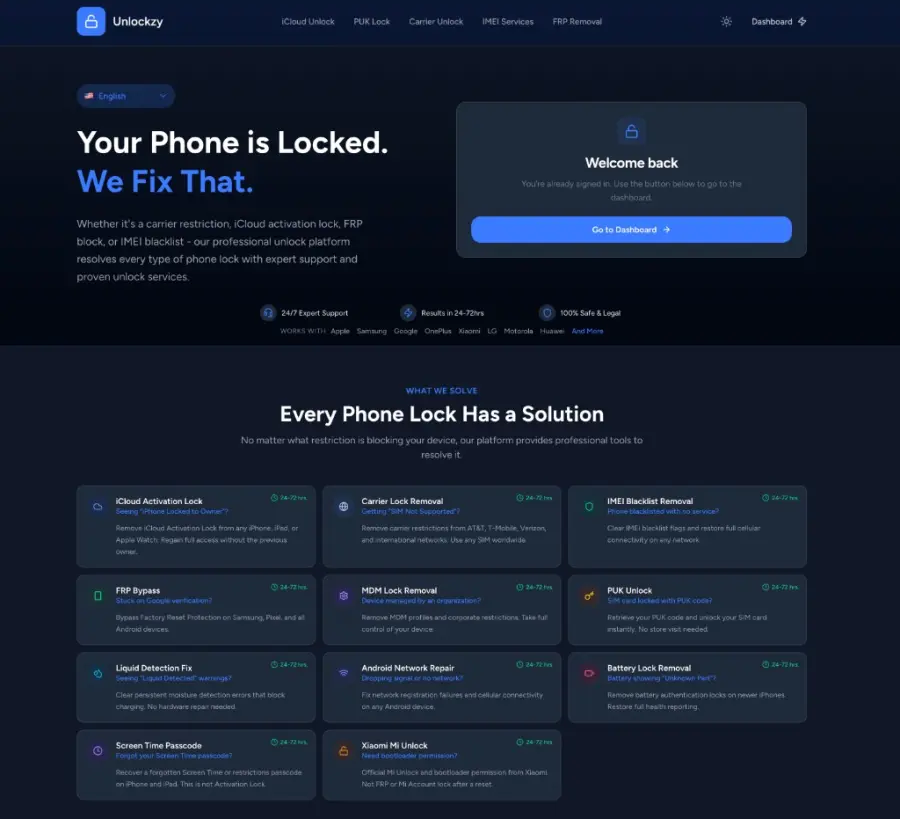
Unlockzy is a professional phone unlocking platform. You submit a device and lock type, and their technicians run the unlock job with prepaid coins. Your membership includes an invite plus a starter voucher.

  • Professional platform access

    Use Unlockzy alongside the lessons when you'd rather hand a job to a technician.

  • 100 coins of starter balance

    Worth $20, loaded as a voucher. No extra purchase needed to begin.

  • Waiting in your dashboard

    Your invite and voucher code sit under Platform & voucher once you join.

Unlockzy is a separate service with its own terms. EZ Phone Help sells course access and does not perform unlocks.

Unlockzy professional phone unlocking platform screenshot

How to join

Join in about two minutes

Membership runs through YouTube. Join the EZ Phone Help channel for $7.99 a month, then open the members-only post for your access link.

All four courses in one membership

EZ Phone Help membership

$7.99/ month

Billed by YouTube as a channel membership

  • 4 courses: carrier, Activation Lock, blacklist, and FRP
  • 64 lessons, each with a short quiz
  • 26 practice tools, scripts, and checklists
  • A certificate for every course you finish
  • Unlock AI study assistant and guides library
  • Unlockzy invite with a $20 starter voucher
Join EZ Phone HelpI already joined. Open my access post

Unlock services can charge $50 or more for a single phone. The course teaches the steps for all four lock types. You follow them on your own device and results vary by carrier and model. Cancel anytime in YouTube.

  1. 1

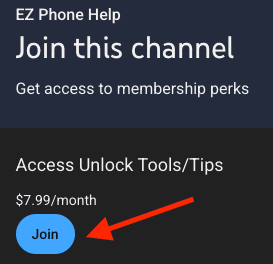
    Click Join

    Open our YouTube Join page and tap Join on the Access Unlock Tools/Tips tier.

    YouTube Join dialog with a Join button for EZ Phone Help at $7.99 per month
  2. 2

    Buy on YouTube

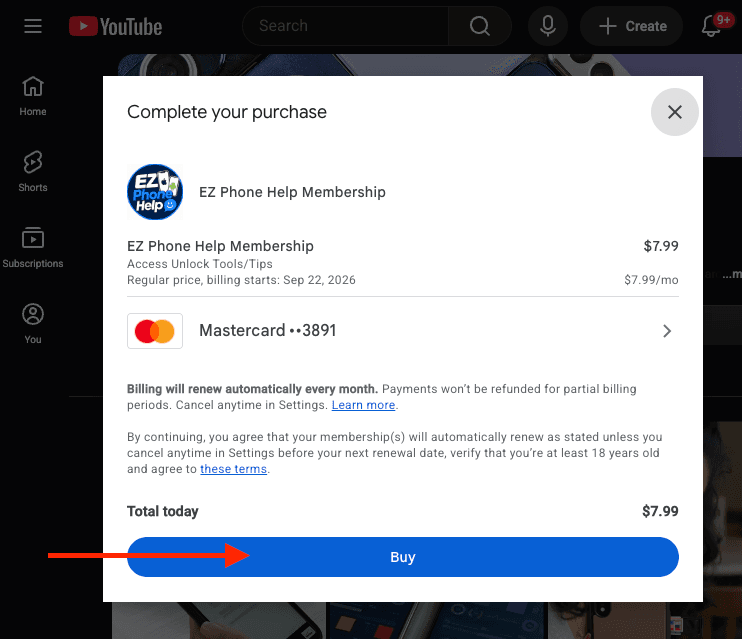
    Confirm the $7.99 monthly membership. Google handles the payment, then come back here.

    YouTube Complete your purchase modal with a Buy button
  3. 3

    Open your access post

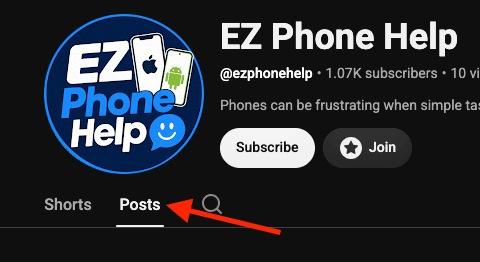
    Go to the channel's Posts tab and open the members-only post. It has your access link.

    EZ Phone Help YouTube channel with an arrow pointing to the Posts tab

FAQ

Questions before you join

Straight answers about what the course is, how billing works, and what you get.

Still have a question?

Email us and we'll reply within one business day.

support@ezphonehelp.com

No. EZ Phone Help is an online course. You get lessons, practice tools, and software links, then follow the steps on your own device. Results depend on your carrier, device, and situation.

Stop guessing at lock screens. Learn the steps.

Join for $7.99 a month through YouTube, open your access post, and start the course that matches your screen today.

Cancel anytime in YouTube · Results vary by device and carrier